Everything you need for responsible AI-assisted writing
Socrat Write combines a distraction-free writing studio with AI that actually helps you improve. Here's what makes it different from every other AI writing tool.
AI that teaches, not AI that types
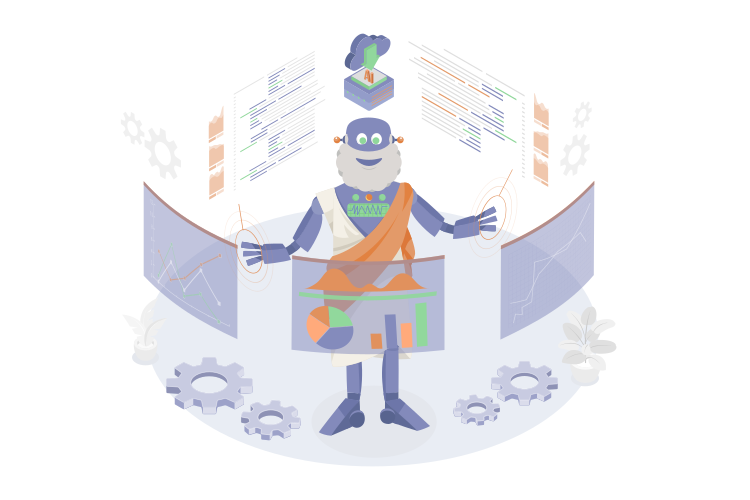
The AI assistant is designed to improve your writing skills, not replace them.
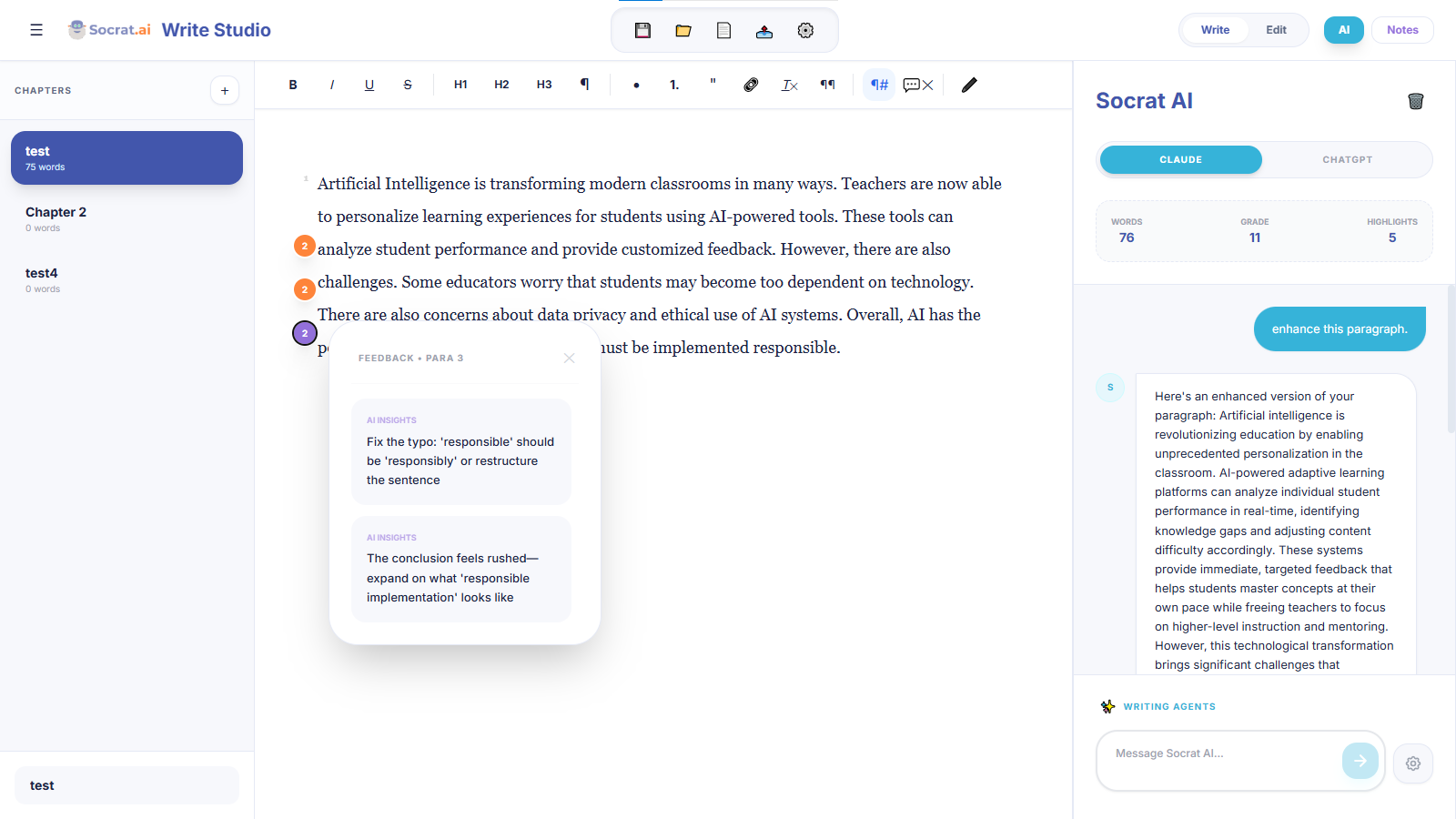
Paragraph-level AI feedback
When you ask the AI for help, it doesn't just give generic advice. It references specific paragraph numbers in your document, so you know exactly where to make changes. Comments appear inline, just like feedback from a human editor.
Custom AI writing agents
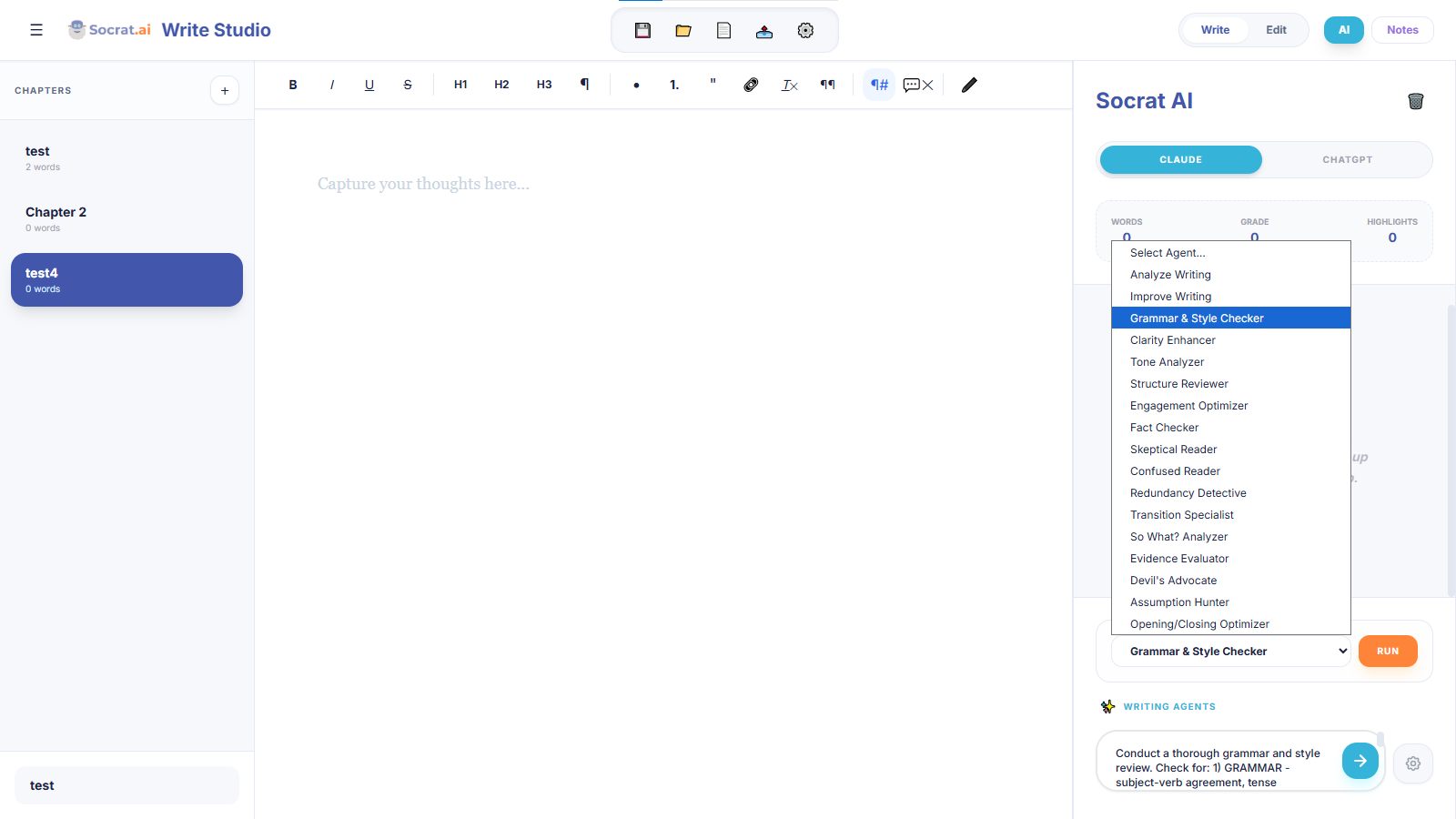
Create your own AI prompts for specific tasks: checking for evidence, analyzing tone, reviewing structure, or anything else your writing needs. Save them as agents and run them whenever you want.
Real-time writing analysis
See the quality of your writing as you type, not just after you're done.
Readability scoring
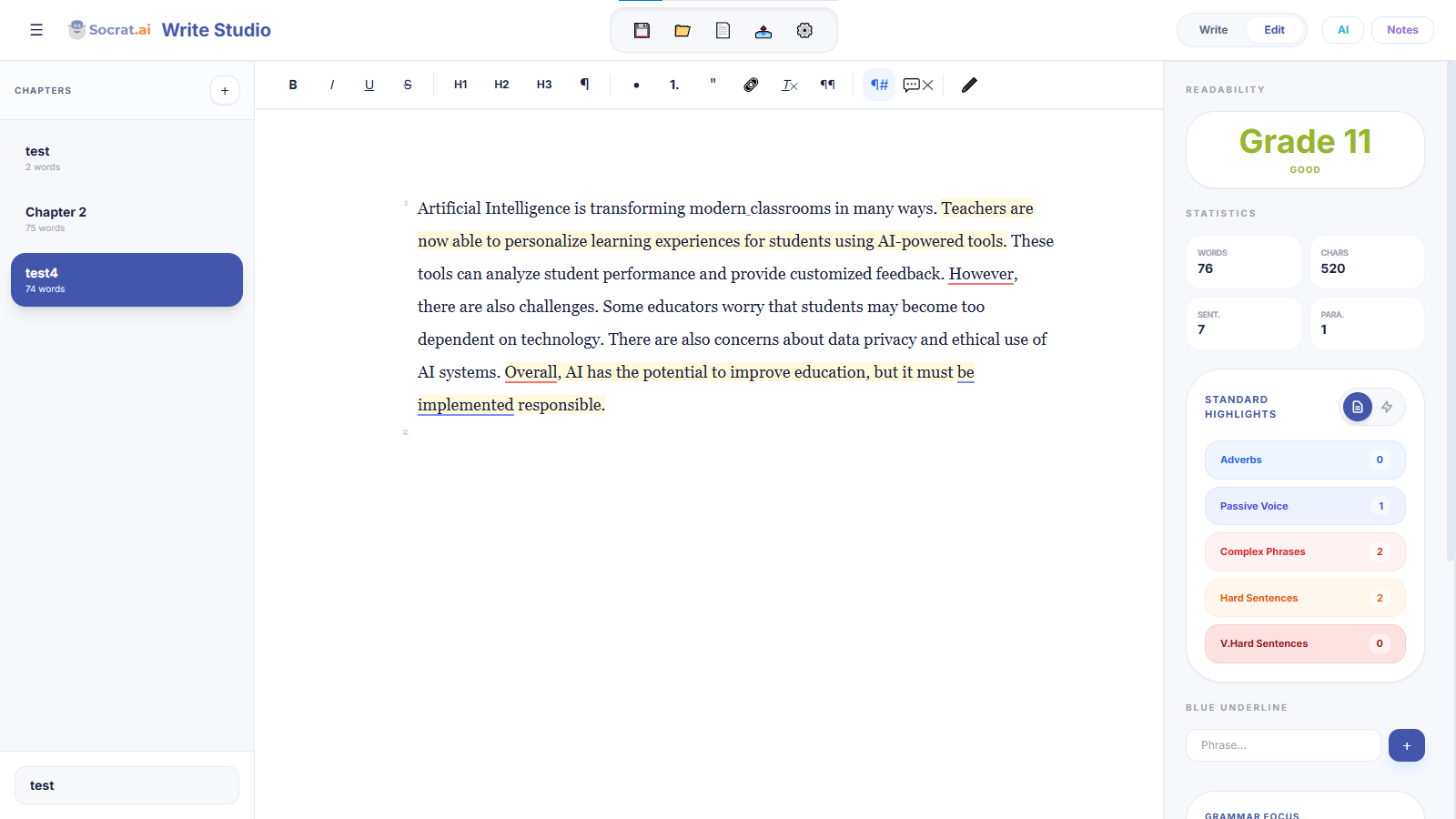
Instant grade-level feedback shows if your writing matches your audience. See exactly which sentences are too complex and get suggestions for simplification.
Rhythm visualization
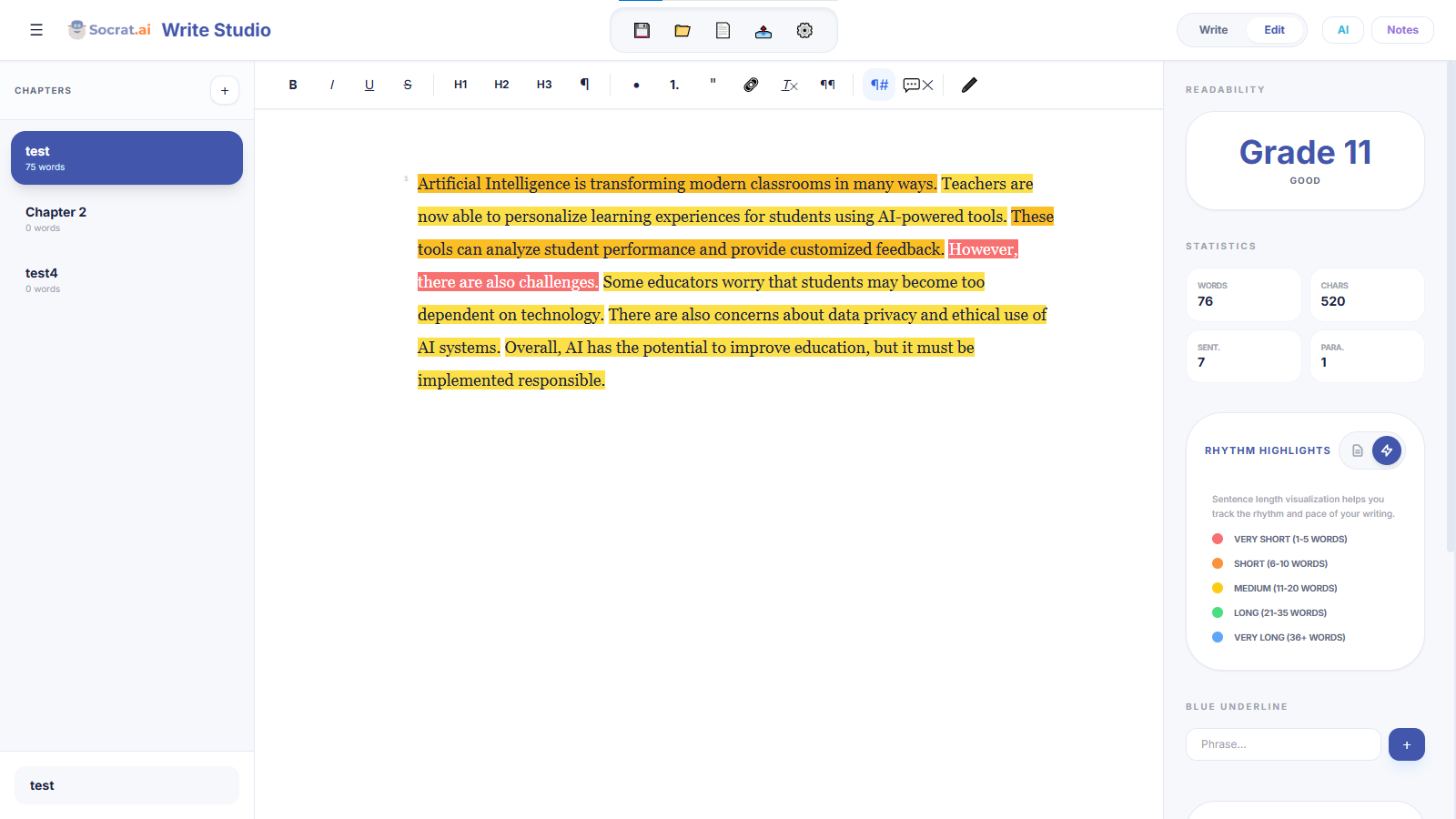
Good writing has varied sentence length. The rhythm view color-codes your sentences by length so you can see patterns at a glance. Too many long sentences? Too choppy? You'll know immediately.
Style highlights
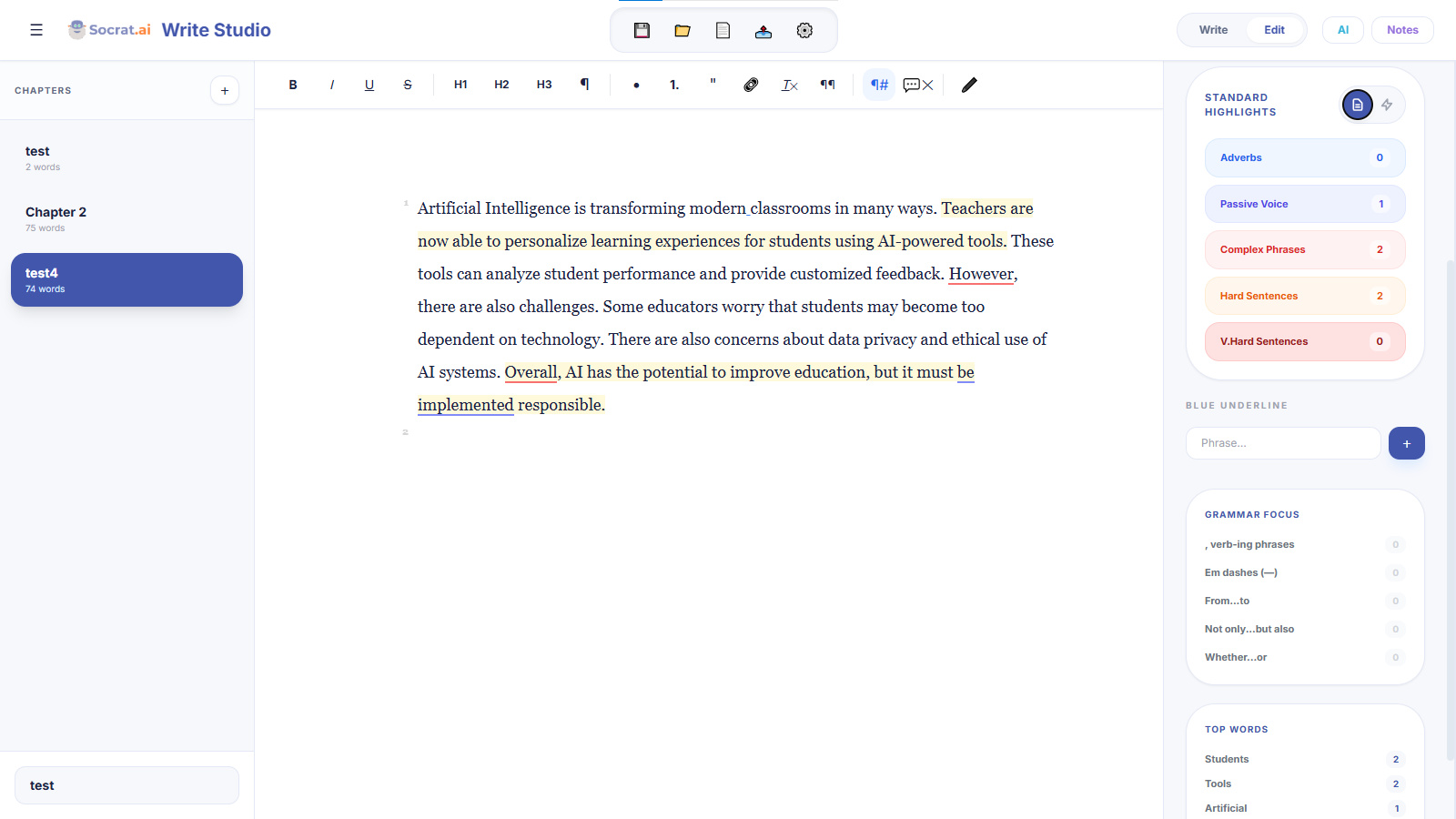
Automatic highlighting for passive voice, adverbs, complex phrases, and qualifying language. You decide what to keep and what to cut — the tool just makes them visible.
A complete writing studio
Everything you need to write, organize, and finish longer projects.
Chapter organization
Break long documents into chapters. Drag and drop to reorder. See word counts for each section.
Global context
Set context that the AI remembers across all conversations. "This is a fantasy novel about..." and it never forgets.
Write + Edit modes
Draft freely in Write mode, then switch to Edit mode for all the analysis and highlighting tools.
Notes panel
Global notes and chapter-specific notes keep your ideas organized alongside your writing.
Export options
Export clean Markdown for any workflow. Your content, your format, your choice.
Offline support
Documents sync when online but stay available offline. Never lose work to a bad connection.
Classroom features for teachers
Give your students access to responsible AI writing tools with visibility into their work.
Create classrooms with join codes
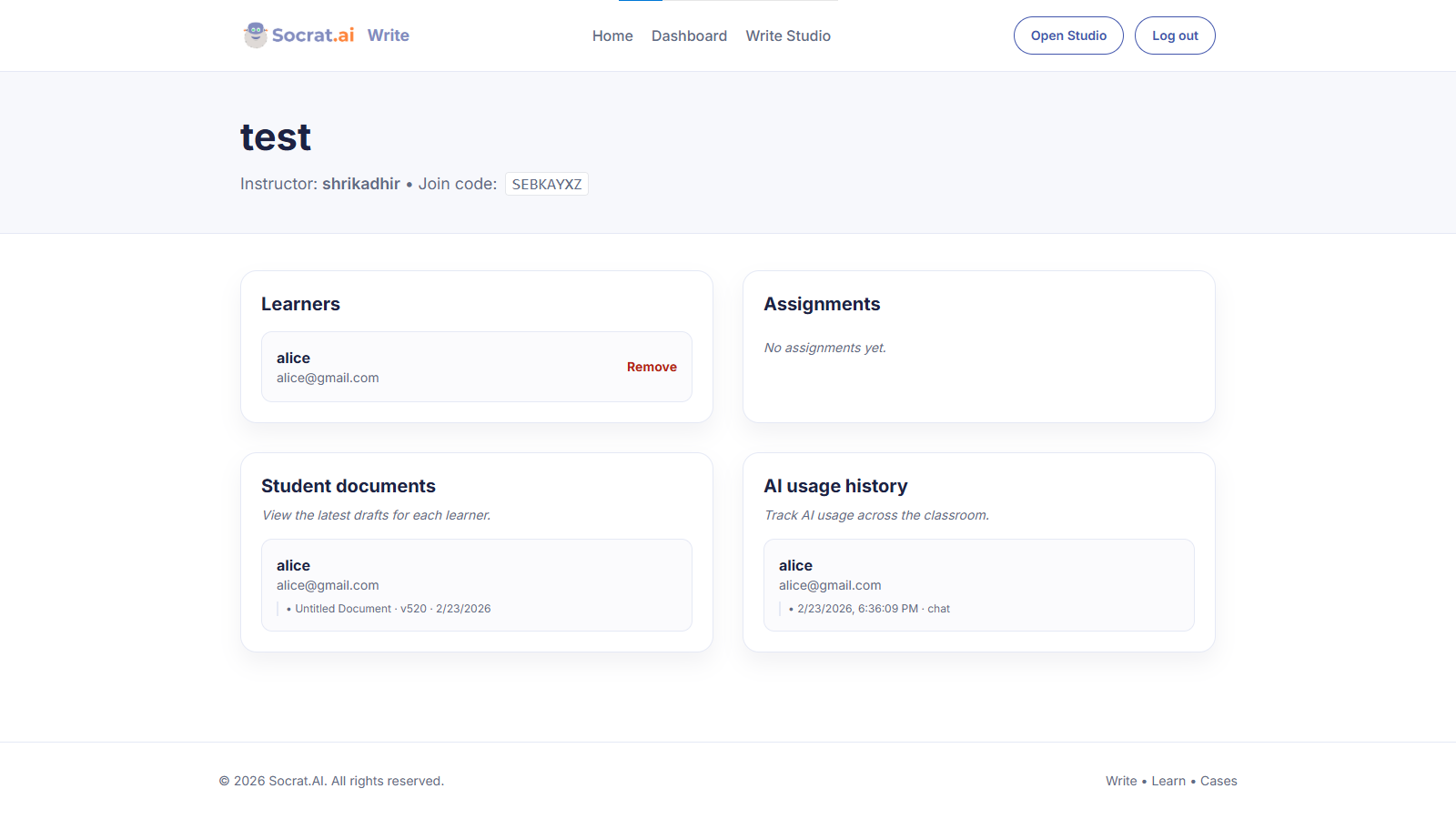
Set up a classroom in seconds. Share a join code with students. Everyone gets access to the same writing studio, and you can see who's enrolled.
Student accounts
Students create real accounts, so their work is tied to them — not anonymous AI generation.
Shared ecosystem
Same login works across Socrat Write, Learn, and Cases. One account, all tools.
Responsible AI by design
The AI helps students improve, not write for them. You get better writers, not better cheaters.
Start writing with AI that helps you improve
Free to start. No credit card required. Works in your browser.